> ## Documentation Index
> Fetch the complete documentation index at: https://wundergraphinc-brendan-add-sof-link.mintlify.site/llms.txt
> Use this file to discover all available pages before exploring further.
# Metrics
> Metrics give a general overview of the performance of your federated graph. From here you can zoom in on specific time ranges and filter metrics by operation name, client name, and version.
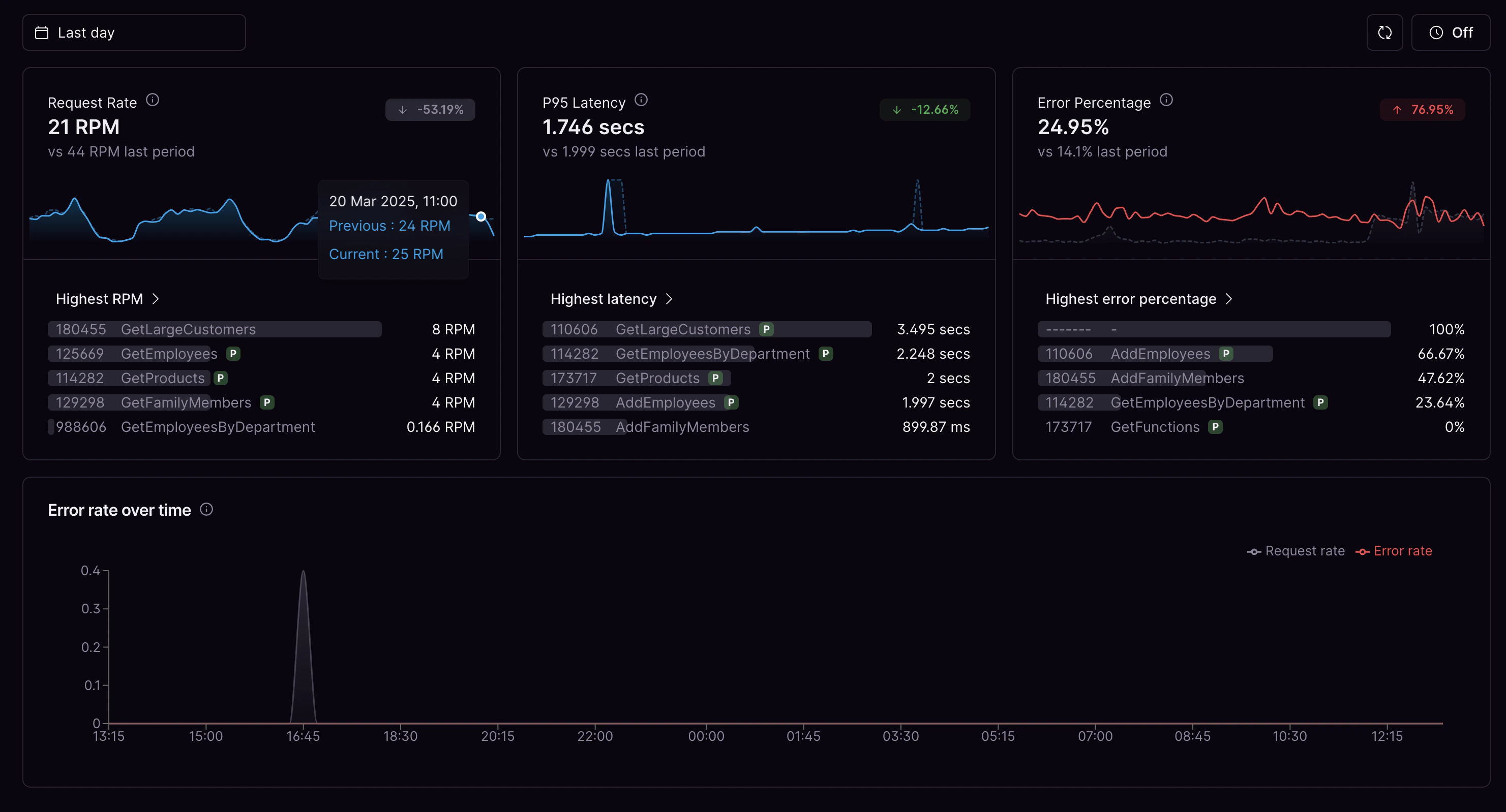 ### Request rate
The average requests per minute for the selected time range.
### P95 latency
The average p95 latency for the selected time range. The top boundary of the buckets is 10s, so requests taking longer than 10s will still be counted as taking 10s.
### Error rate
The average error percentage for the selected time range. This includes 4xx and 5xx errors.
### Error rate over time
The amount of GraphQL requests and errors over time.
### Request rate
The average requests per minute for the selected time range.
### P95 latency
The average p95 latency for the selected time range. The top boundary of the buckets is 10s, so requests taking longer than 10s will still be counted as taking 10s.
### Error rate
The average error percentage for the selected time range. This includes 4xx and 5xx errors.
### Error rate over time
The amount of GraphQL requests and errors over time.