> ## Documentation Index
> Fetch the complete documentation index at: https://wundergraphinc-brendan-add-sof-link.mintlify.site/llms.txt
> Use this file to discover all available pages before exploring further.
# Schema Explorer
> An interactive explorer to navigate though your federated graph schema. It has built in search and usage tracking for every type in your schema
 ## Navigation
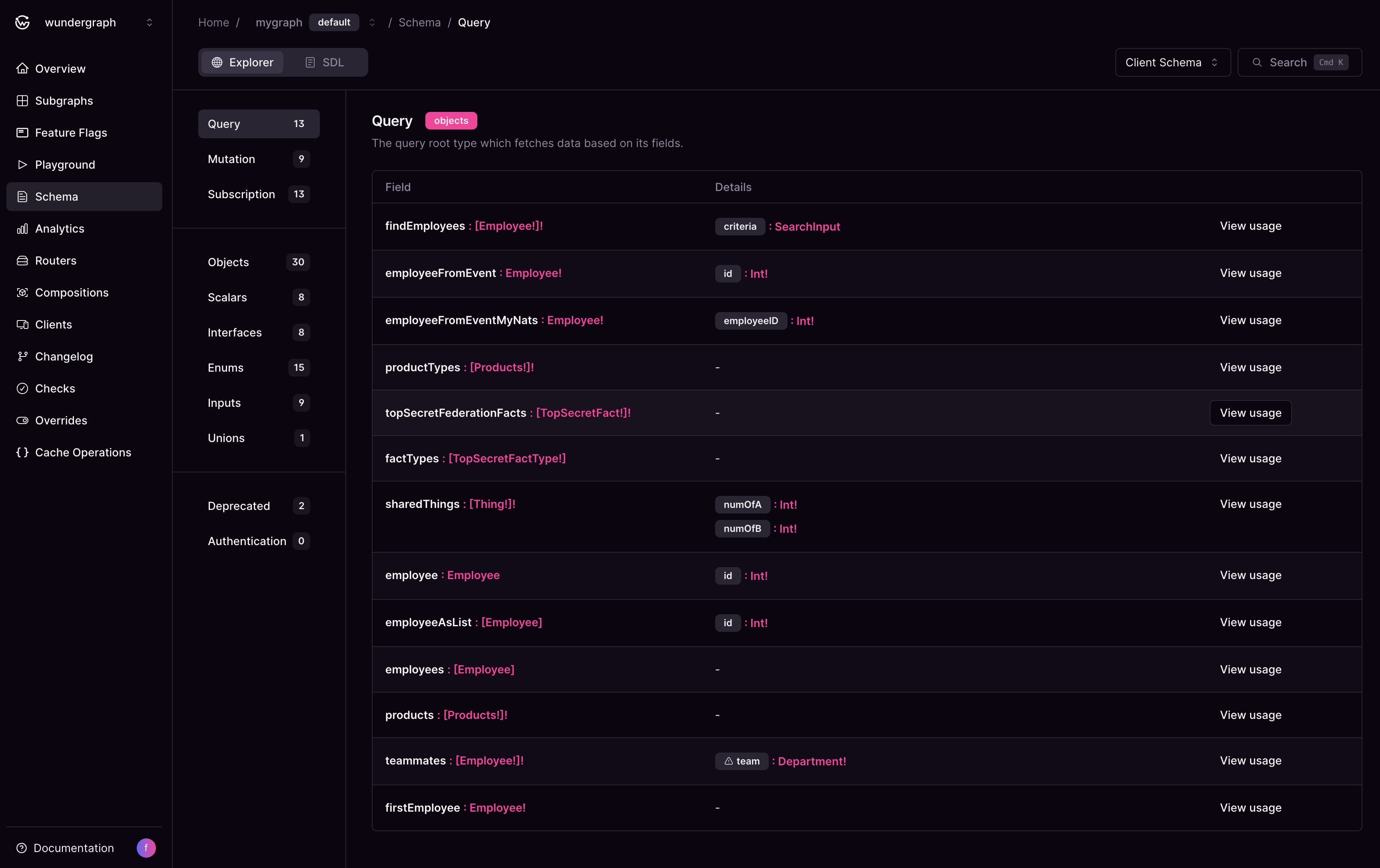
You can navigate to every type you see on the page. From objects that implement interfaces to unions and enums. The details section shows all the inputs for that particular field. If your schema has comments, they would appear here as well.
## Field Usage
Check the docs here to see how the usage for each type looks like
## Search
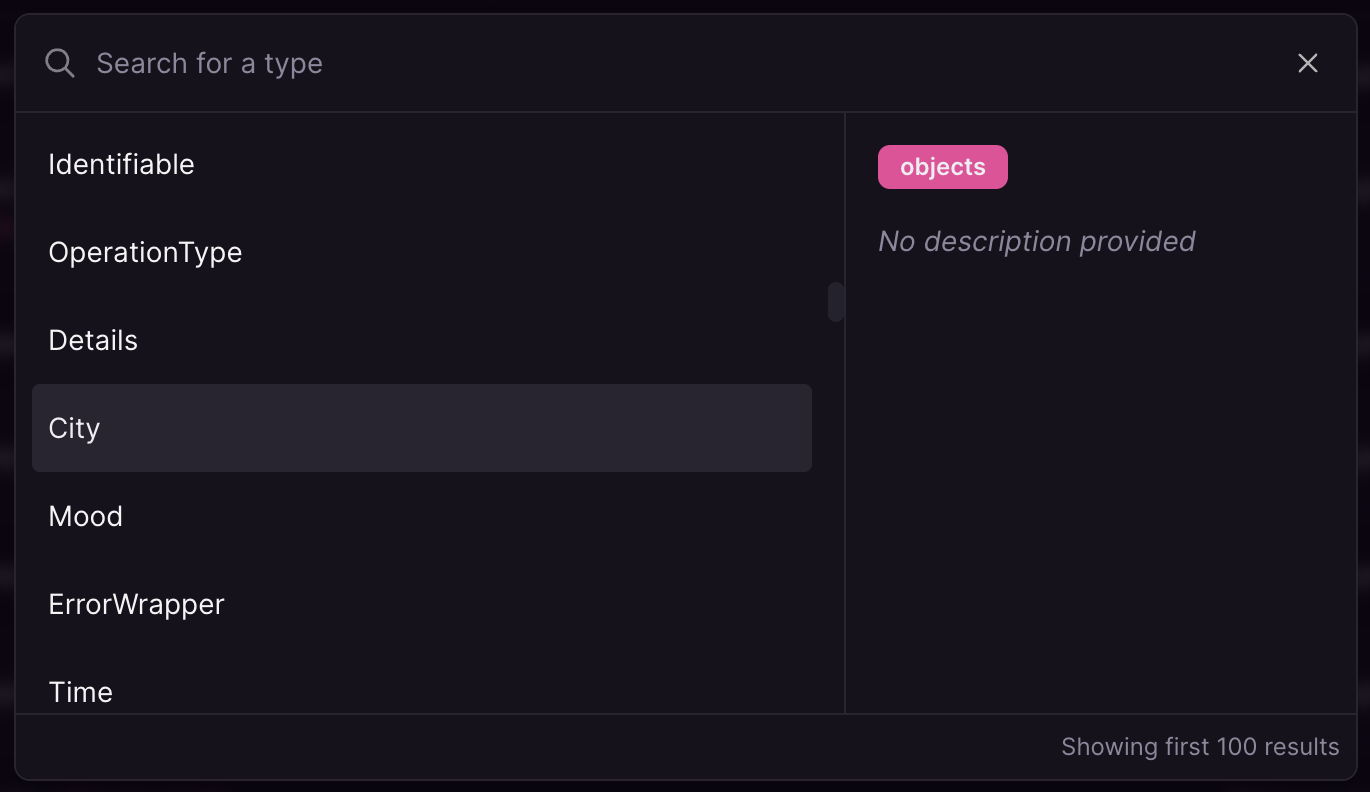
Open the search modal by hitting `Cmd/Ctrl + K` on your keyboard. Jump to any type you like to view.
## Navigation
You can navigate to every type you see on the page. From objects that implement interfaces to unions and enums. The details section shows all the inputs for that particular field. If your schema has comments, they would appear here as well.
## Field Usage
Check the docs here to see how the usage for each type looks like
## Search
Open the search modal by hitting `Cmd/Ctrl + K` on your keyboard. Jump to any type you like to view.
 ## Deprecated Fields
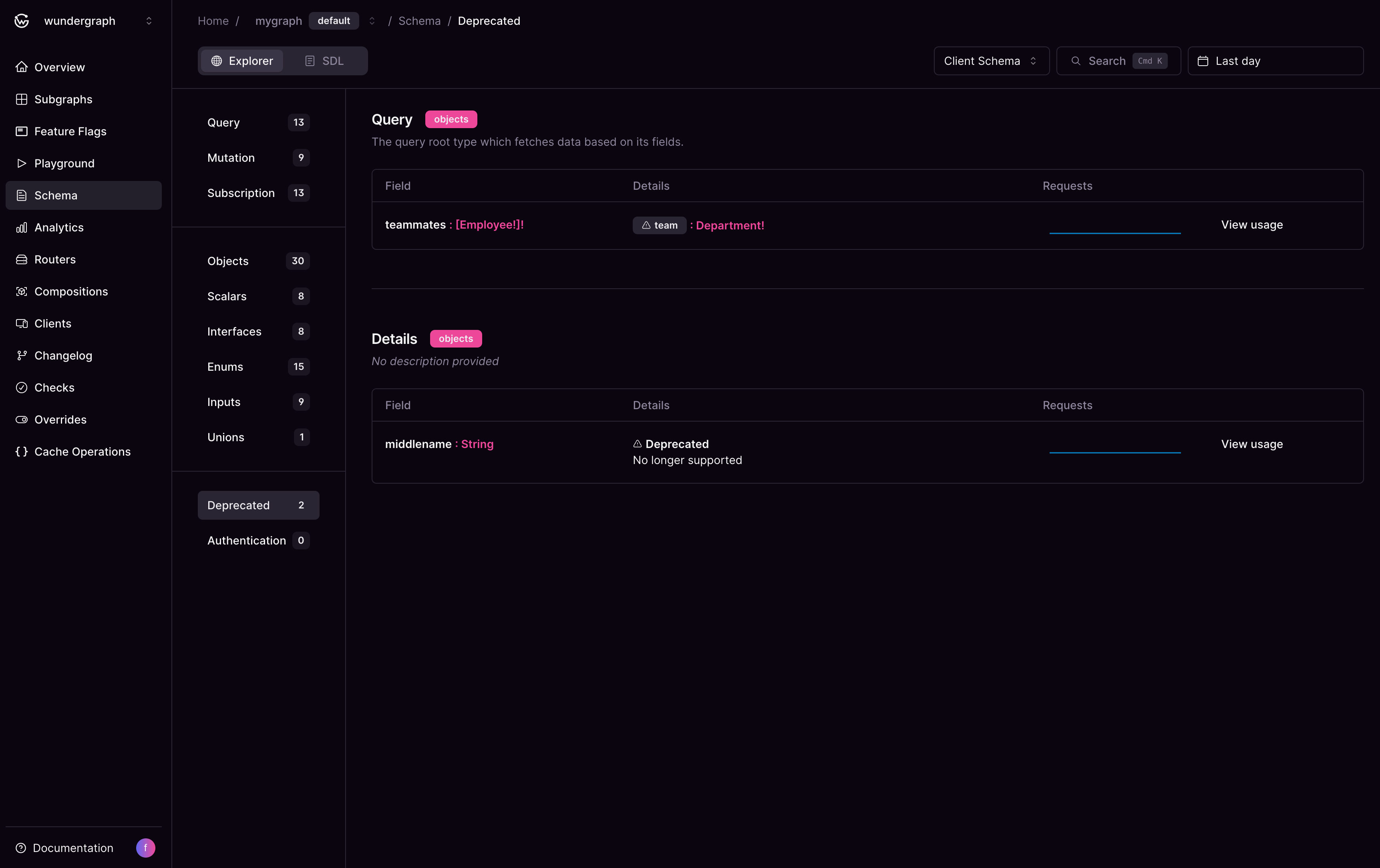
You can view all deprecated fields in your schema in one place along with their usage. This helps to determine if it is safe to remove the field/argument.
## Deprecated Fields
You can view all deprecated fields in your schema in one place along with their usage. This helps to determine if it is safe to remove the field/argument.
 ## Authenticated Types and Fields
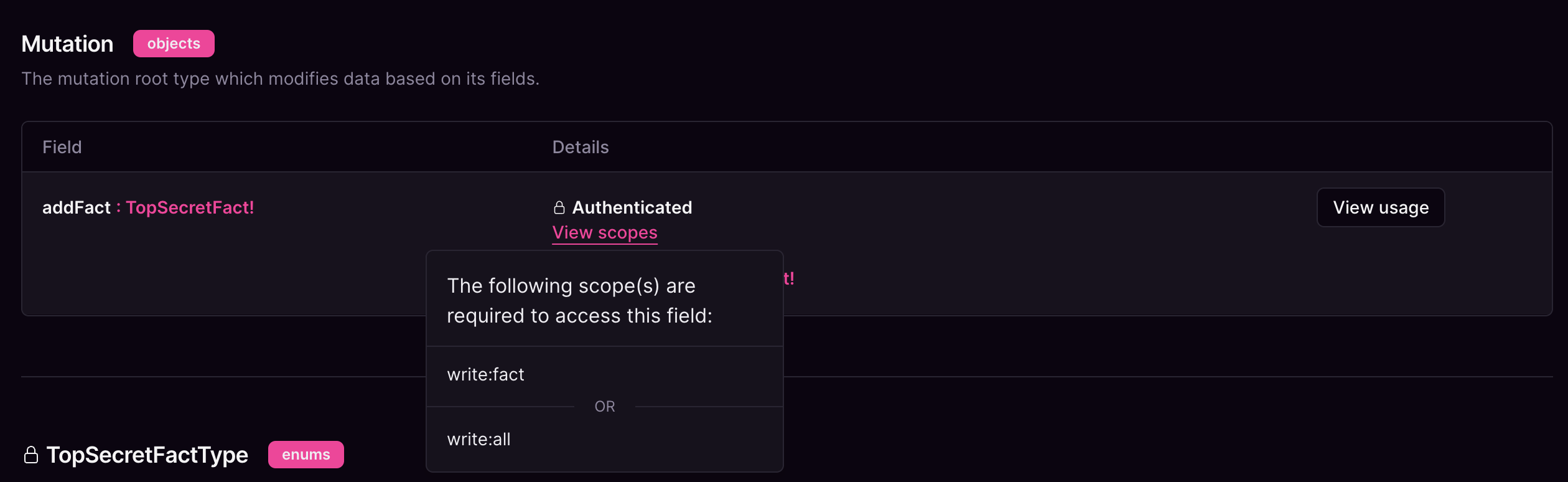
You can easily view all types and fields that use the `@authenticated` and/or `@requiresScopes` directives in a single place.
At this time, `@authenticated` and `@requiresScopes` are only exposed by the Router Schema.
## Authenticated Types and Fields
You can easily view all types and fields that use the `@authenticated` and/or `@requiresScopes` directives in a single place.
At this time, `@authenticated` and `@requiresScopes` are only exposed by the Router Schema.
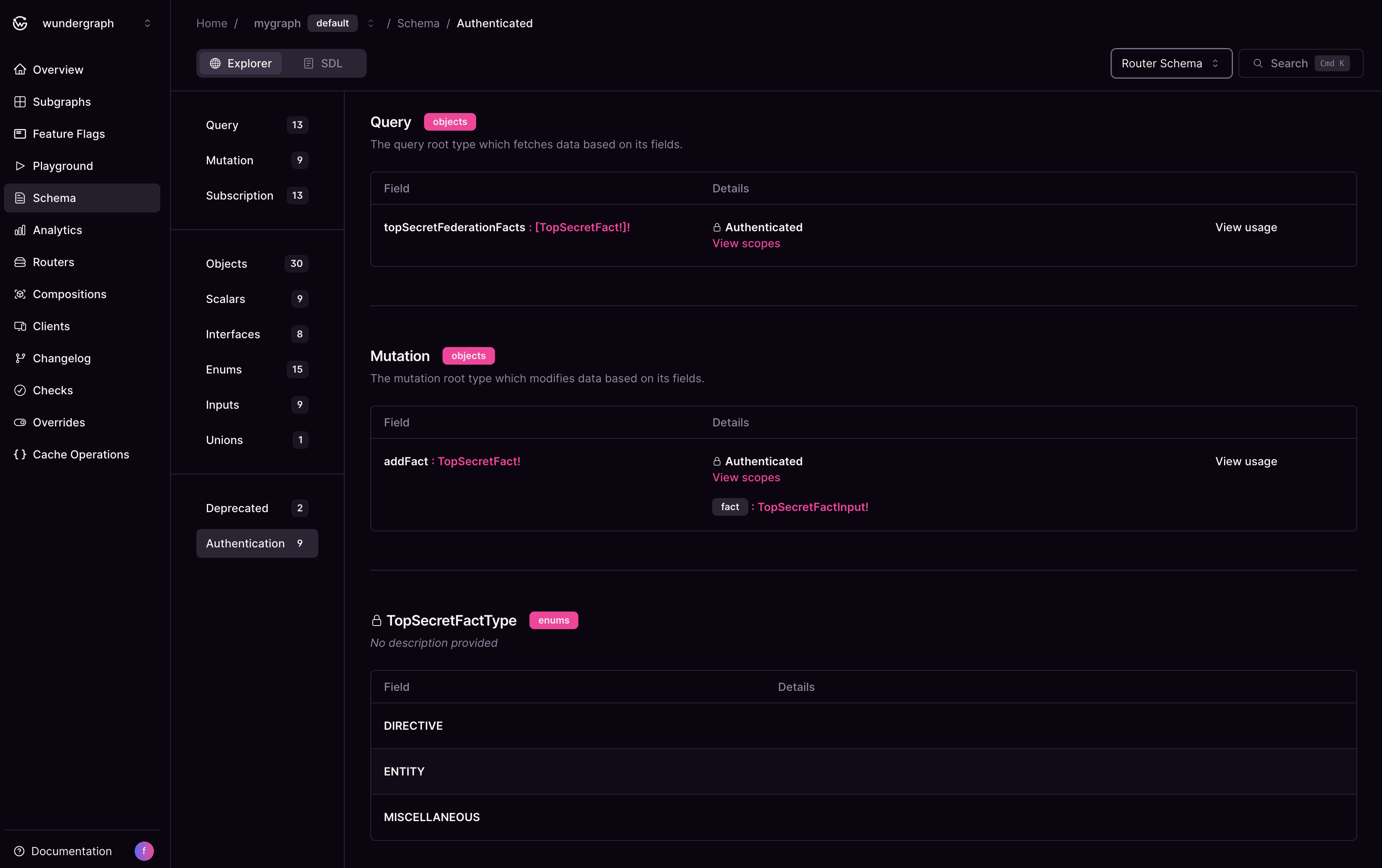 When a type or field is annotated with the `@requiresScopes` directive, the list of required scopes can be accessed by clicking the `View scopes` button in the type header.
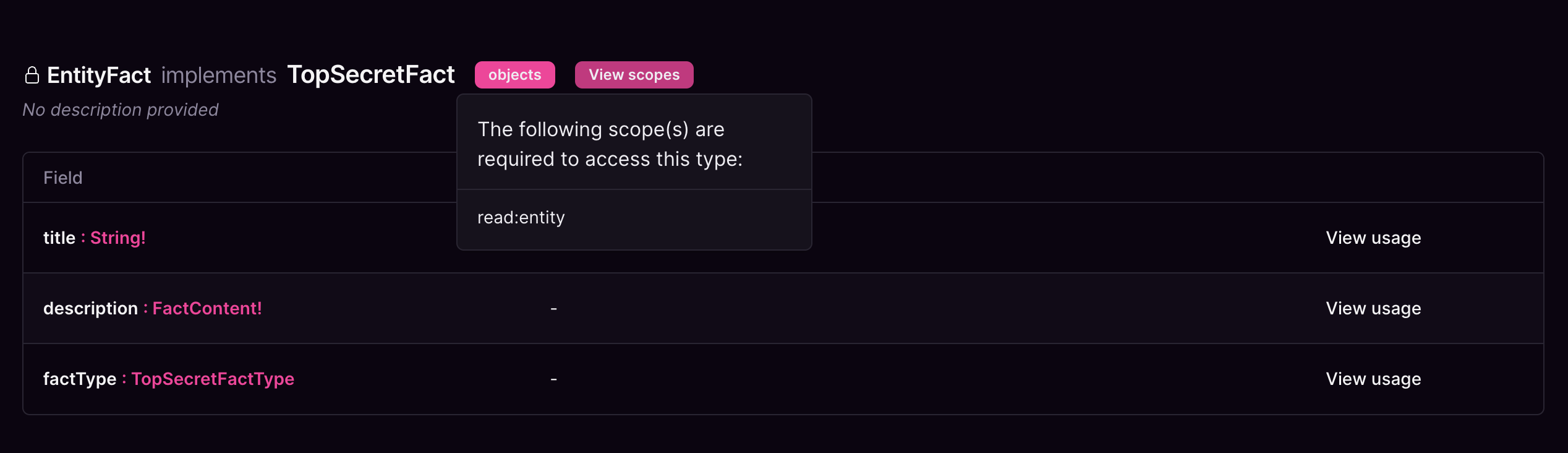 Or beside the type/field name in the table.